Running Total in SQL (Beginner-Friendly Step by Step)
One of the most useful and beginner-friendly SQL window function problems is calculating a
👉 Running Total (Cumulative Sum).
If you understand this, you unlock analytics, finance, and reporting queries.
Let’s learn it slowly and clearly 👇
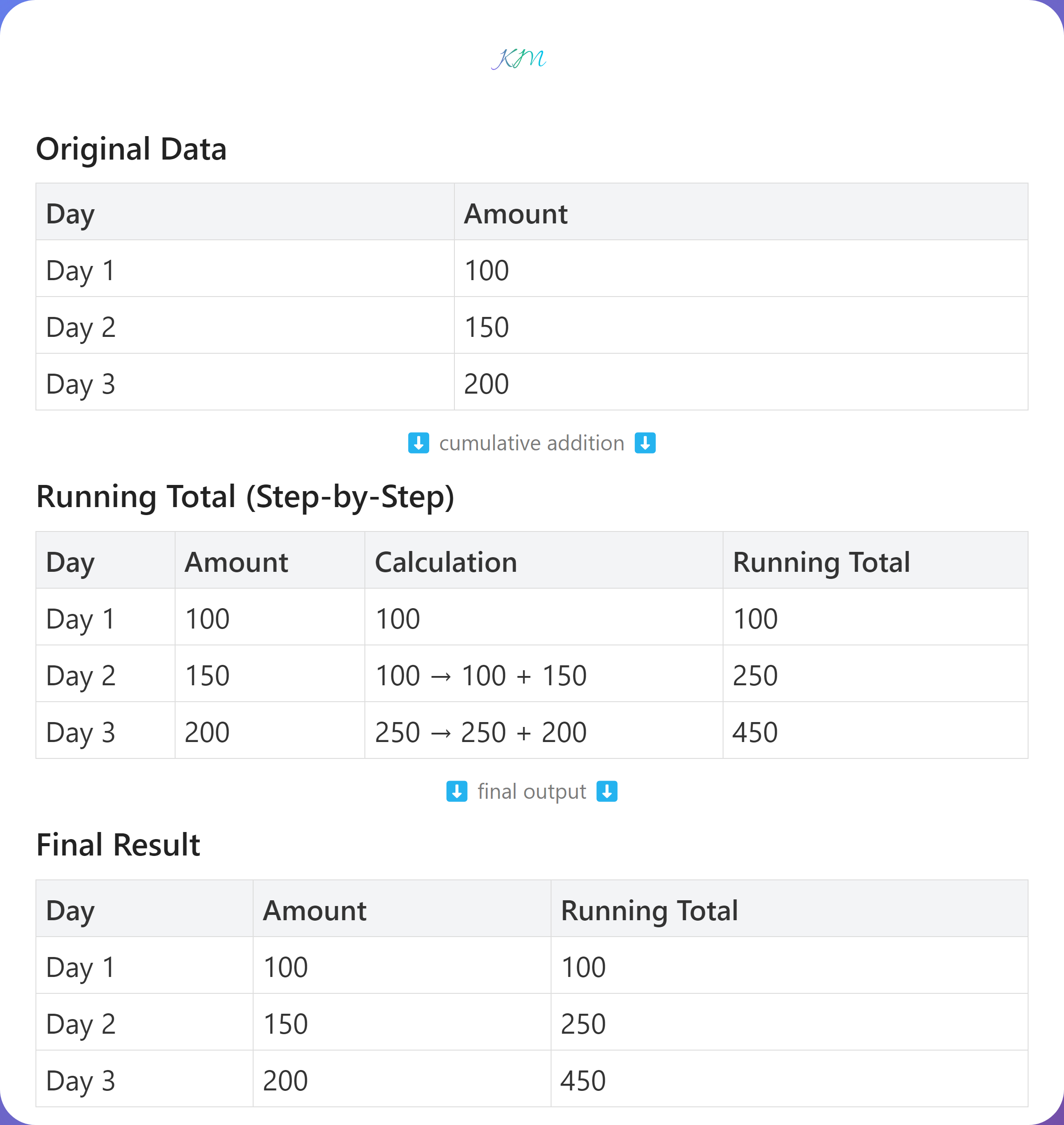
🧠 What is a Running Total?
A running total means:
Add the current value to all previous values.
Example numbers:
100 → 150 → 200
Running total:
100 → 250 → 450
📊 Sample Data
| day | amount |
|---|---|
| Day 1 | 100 |
| Day 2 | 150 |
| Day 3 | 200 |
❌ Wrong Way (Beginner Mistake)
SELECT SUM(amount)
FROM sales;
This gives:
450
❌ You lose row-level details
❌ Not a running total
✅ Correct Way: Use a Window Function
Step 1: Use SUM() as a window function
SELECT
  day,
  amount,
  SUM(amount) OVER (
    ORDER BY day
  ) AS running_total
FROM sales;
🔍 How SQL Thinks (Very Important)
- Sort rows by
day - Start adding amounts from the first row
- Keep adding as rows increase
✅ Final Output
| day | amount | running_total |
|---|---|---|
| Day 1 | 100 | 100 |
| Day 2 | 150 | 250 |
| Day 3 | 200 | 450 |
✔ Each row keeps its value
✔ Total keeps growing
🧠 Key Keywords Explained Simply
ORDER BY
👉 Tells SQL which order to add values
OVER()
👉 Tells SQL don’t collapse rows
📌 Running Total Per Group (Very Common)
Example:
Running total per product
SELECT
  product,
  sale_date,
  amount,
  SUM(amount) OVER (
    PARTITION BY product
    ORDER BY sale_date
  ) AS running_total
FROM sales;
✔ Restarts total for each product
🎯 Where Running Totals Are Used
- Bank balance over time
- Daily revenue tracking
- Monthly sales growth
- Inventory movement
- Expense accumulation
Simple Rule to Remember 🧠
SUM()+OVER()+ORDER BY= Running Total
💬 Interview Question for You
How would you calculate a running total that resets every month?
(Hint: PARTITION BY month 😉)
Comments (0)
No comments yet. Be the first to share your thoughts!
Leave a Comment